
Stacking Demo
This tutorial demonstrates how to use the Agilebot robot for object stacking tasks.
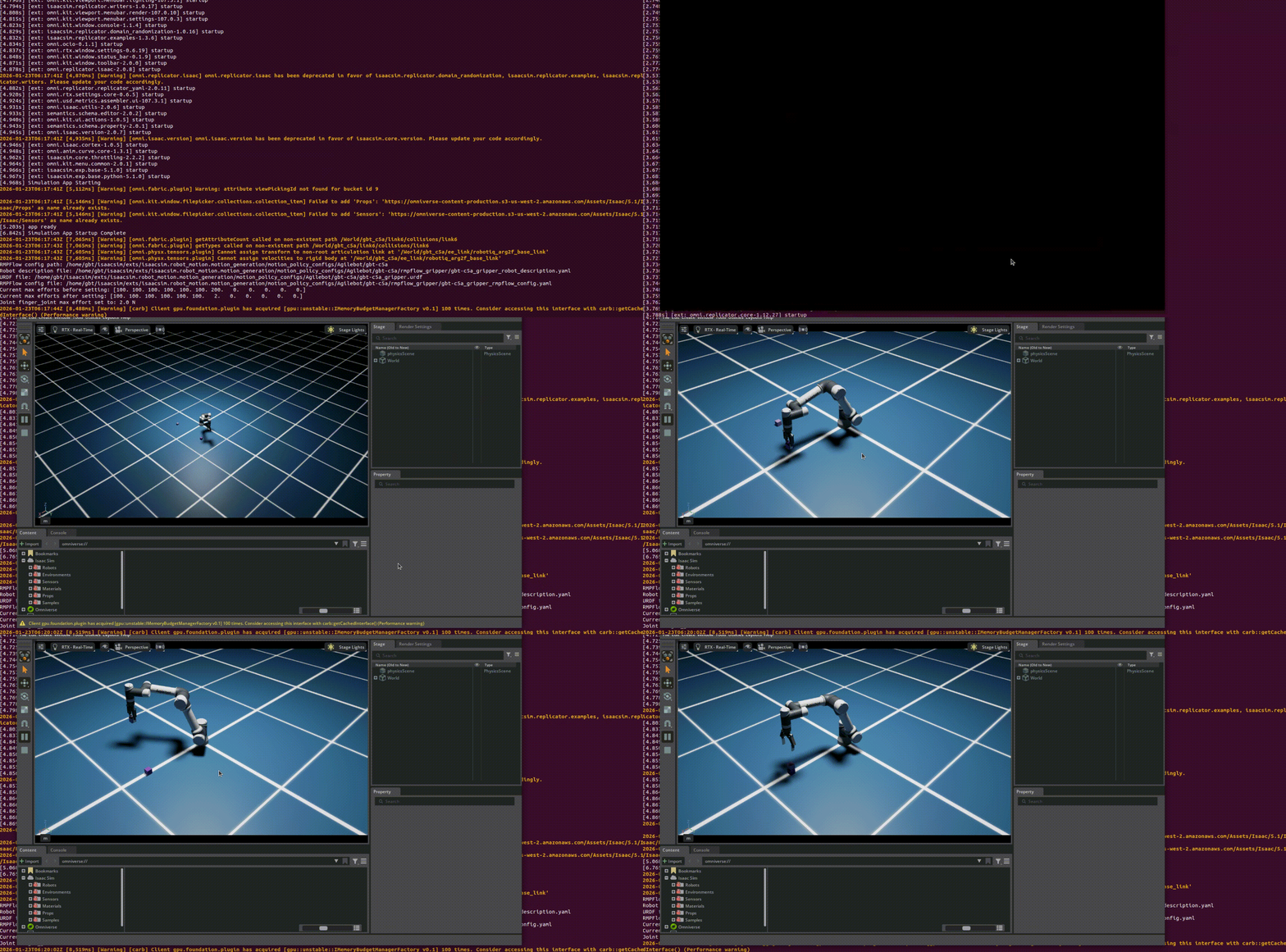
Overview
The stacking demo shows how the robot stacks multiple objects into a specified structure. This demo combines motion planning, grasping control, and precise placement capabilities.
Prerequisites
- Completed Isaac Sim Environment Setup
- Completed Display Agilebot Robot Model in Isaac Sim
- Completed Pick and Place Demo
Running the Demo
Using Project Demo Script
bash
cd agilebot_isaac_sim
python agilebot_integration/demos/stacking.py
Demo Description
Stacking Process
- Identify Objects: Identify the objects to be stacked
- Grasp First Object: Grasp the first object
- Place at Base Position: Place the first object at the base position
- Grasp Next Object: Grasp the next object
- Place at Stacking Position: Place the object at the current stacking height
- Repeat: Repeat steps 4-5 until all objects are stacked
Stacking Strategies
| Strategy | Description | Use Case |
|---|---|---|
| Vertical Stacking | Stack objects vertically | Simple stacking tasks |
| Pyramid Stacking | Stack objects in a pyramid shape | Complex stacking tasks |
| Custom Stacking | Stack according to custom pattern | Specific application scenarios |
Configuration Parameters
Stacking Parameters
| Parameter | Description | Default Value |
|---|---|---|
stacking_tolerance | Stacking position tolerance | 0.01 m |
stacking_height | Height per stacking layer | 0.05 m |
approach_height | Approach height | 0.1 m |
Customizing Stacking
Modify Stacking Pattern
Modify Number of Objects
Modify Stacking Position
Common Issues
Q: Objects collapse during stacking
A: Check if stacking positions are precisely aligned. Reduce the stacking_tolerance parameter value to improve precision.
Q: Robot cannot grasp objects
A: Ensure object positions are within the robot's workspace. Check if the gripper is properly aligned with the objects.
Q: Stacking height is incorrect
A: Check if the stacking_height parameter is correctly set. Ensure object dimensions match the parameter.